A working phone does not prove the fax works.
The fax machine, line or adapter, online account, and receiving system all play a part. One provider can confirm its piece is working while your office still cannot get a complete document through.
- It stopped after the phones changed.
- A new provider, number transfer, router, or phone system changed the setup. We trace the current connection and check what the fax service needs.
- Some pages arrive. Others are missing.
- We look at the failure pattern, the service’s file and page limits, and what each end reports. The test checks a complete document, not just whether a call connected.
- One office can fax you. Another cannot.
- We compare sending and receiving with the affected destination and a separate test destination to help locate the failure.
- The service says delivered. Staff cannot find it.
- We follow the incoming document into the intended inbox, folder, or practice-software workflow and check access and routing with the relevant provider.
Test the document, the destination, and every page.
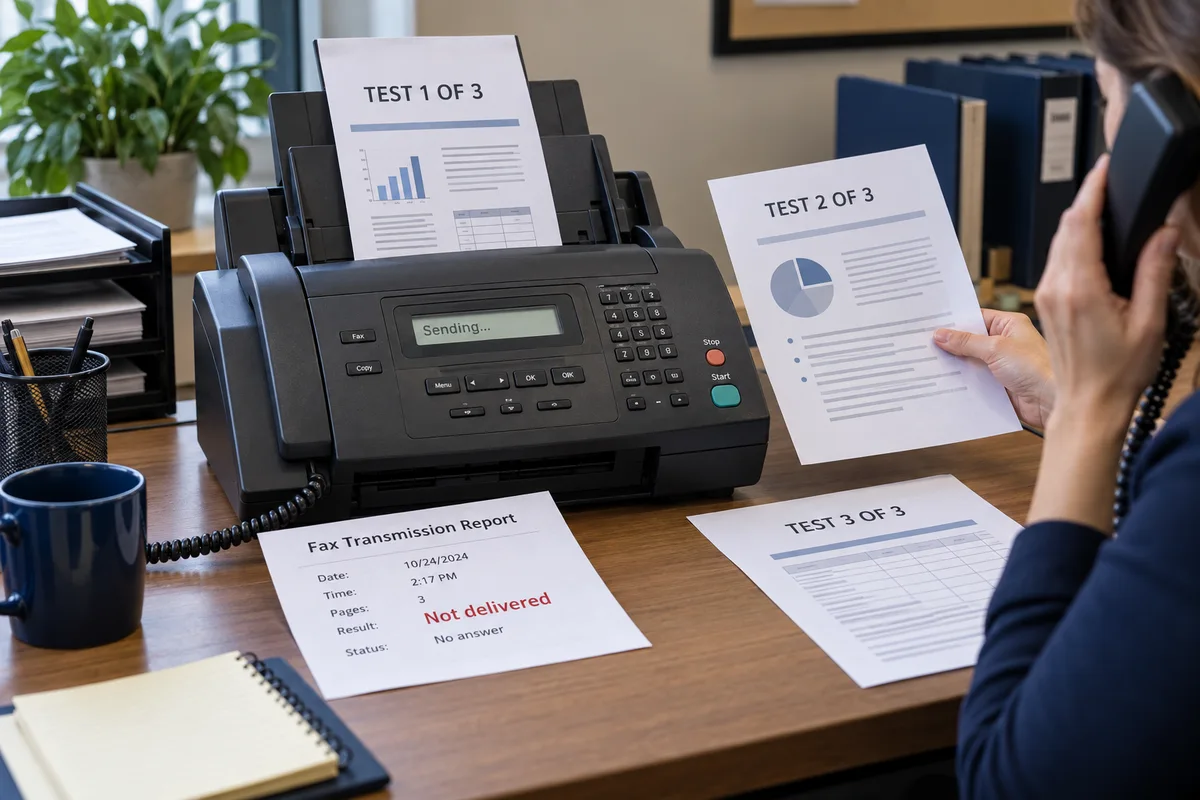
We use a non-patient test document with numbered pages. Check the number dialed, what the sender reports, and what the receiving office actually gets.
- Reproduce the failure. Record whether it affects sending, receiving, a particular destination, or larger documents.
- Trace the connection. Check the equipment, account, phone or internet setup, and service settings involved.
- Coordinate the repair. Bryan works with the phone, fax, or software provider when its help is needed.
- Check both ends. Confirm the agreed document arrives complete and staff can find it. Record any outstanding provider action.
Keep the setup that serves your office.
Fax machines, multifunction printers, online fax, and fax connected to practice software can all be investigated. Buying a new machine is only useful if the machine is the problem.
Can you work with our medical software or phone provider?
Yes. With your authorization, Bryan takes the findings to the relevant support team and coordinates the technical work. The provider controls changes to its own service.
Can we keep our fax number?
We start with your current number and service. If a service change is needed, number ownership, transfer options, and timing are checked before you approve the move.
Do you need patient records to troubleshoot?
We start with error descriptions and non-patient test pages. Any work needing access to protected systems is arranged with your office before access begins.
Calls or internet failing too? Get help with business phones and networks.
Get this job handled. Decide on ongoing help later.
The first conversation is free. Tell Bryan what is happening; he will explain the next step and price before you approve paid work.
- Investigation and repair
- Most business investigations are quoted before they begin. Initial QuickBooks diagnosis is free; any repair is quoted afterward. Additional repair, equipment, or a provider change needs your approval.
- When a visit is needed
- On-site business work is $129/hr, with a two-hour minimum. Any travel fee is included in your quote. Remote business work is quoted for the job.
- After the work
- We check the task with you and explain what changed. You receive any remaining steps, provider dependencies, and the information needed to keep using the setup.
No monthly plan is required. Compare business prices or read the service and workmanship terms.
Make the next call about fixing the fax.
Tell Bryan what fails and which providers have already looked at it. Get the fault investigated without making your staff carry the technical conversation.